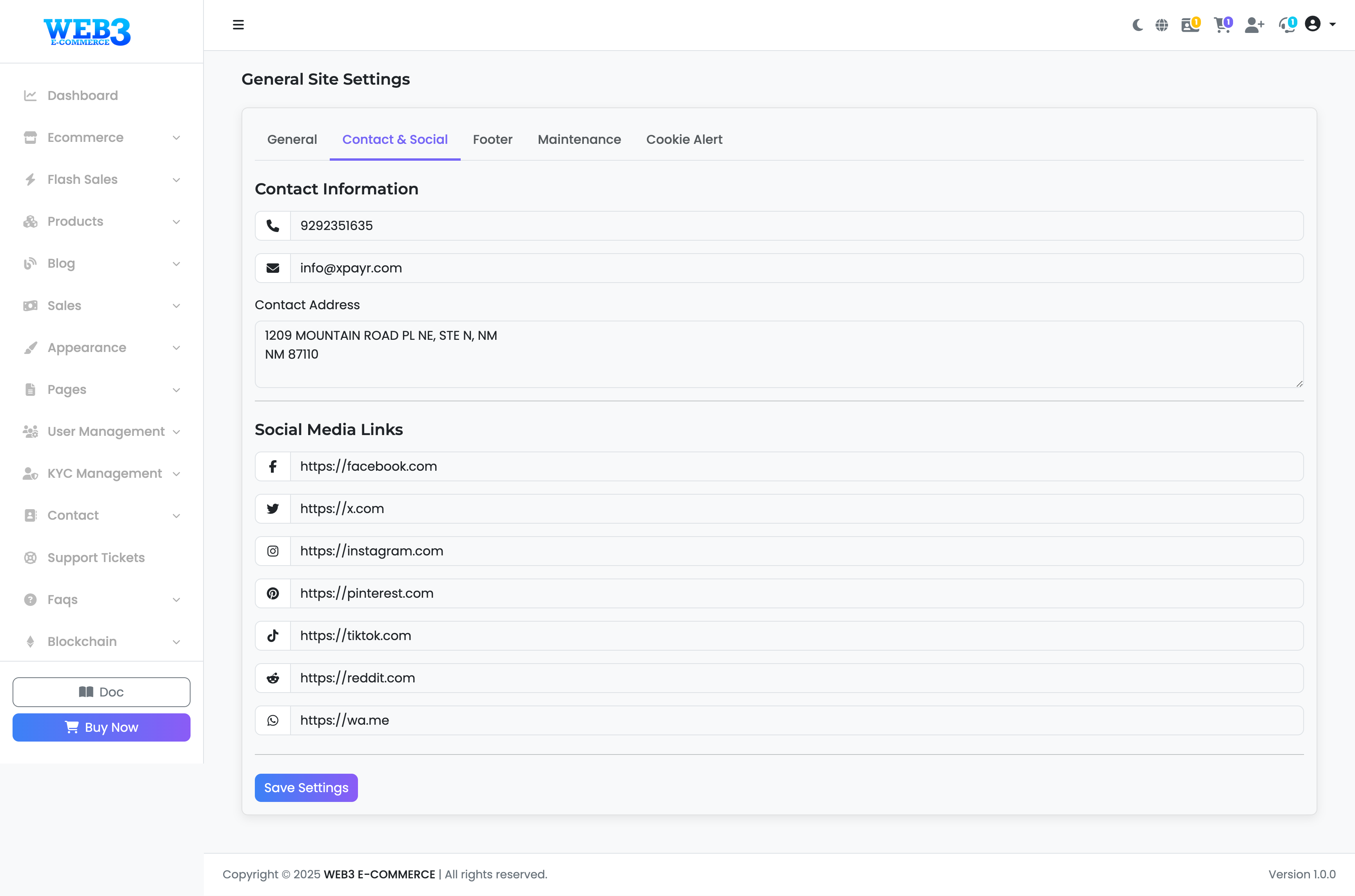
Settings: Contact & Social Tab
Contact & Social Media Settings
This section allows you to manage your public contact information and link to your social media profiles. This information is typically displayed in the site's header, footer, or on a dedicated contact page.
Contact Information
Fill in the details below to help your customers get in touch with you.
- Contact Information: Your primary business phone number.
- Email: Your official support or contact email address.
- Contact Address: Your physical business address, if applicable.
Social Media Links
Enter the full URLs for your social media profiles. The corresponding icon will automatically appear on your site. If you leave a field blank, its icon will not be displayed.